
Roku BifTool Configuration
https://developer.roku.com/docs/developer-program/media-playback/trick-mode/bif-file-creation.md
Config:
Partial example configuration for application/rokuSettings
These settings allow you to turn on or off each of the 3 types of bif files that are generated.
  "application/rokuSettings": {
    "enabled": true,
    "bifProfiles": [
      {
        "name": "roku-sd",
        "format": "sd",
        "title": "Roku BIF (SD)",
        "enabled": true,
        "slug": "roku-bif-sd"
      },
      {
        "name": "roku-hd",
        "format": "hd",
        "title": "Roku BIF (HD)",
        "enabled": true,
        "slug": "roku-bif-hd"
      },
      {
        "name": "roku-fhd",
        "format": "fhd",
        "title": "Roku BIF (FHD)",
        "enabled": true,
        "slug": "roku-bif-fhd"
      }
    ]
  },
Partial example JSON configuration for application/processors
This setting allows you to turn the Roku Bif tool on or off
{
	"application/processors": {
		"processorList": {
			"rokuBifs": {
				"urlMatches": [],
				"urlExcludes": [],
				"rule": "",
				"enabled": false
			}
		}
	}
}
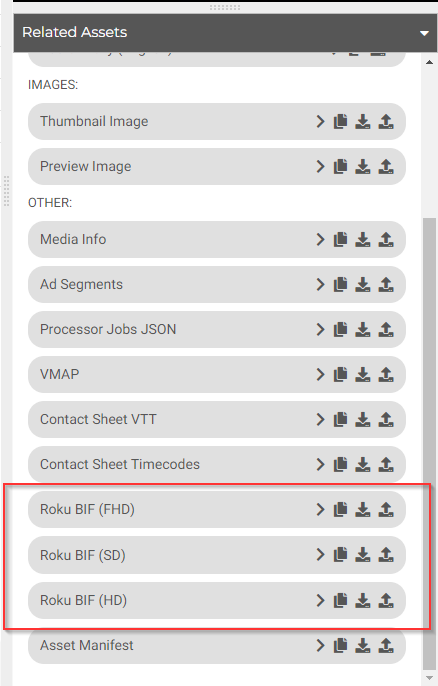
Depending on which Roku Bif profiles are enabled, a .bif file should be generated.
Note:.bif files are binary in nature, currently the system allows you to view them but it is not advised to do so as they may be very large in nature.
Updated 7 months ago
Did this page help you?