
Tag-Based Security Restrictions
How to restrict content access by assigning security groups to specific tags and applying them to assets and folders.
Overview
Tag-based security allows you to restrict which users can see specific assets by combining security groups with tags. Users assigned to a restricted security group will only see assets and folders that have the corresponding tag applied.
Prerequisites
- Nomad Media Fall 2024 Release or later is required for this feature.
- Security must be enabled system-wide.
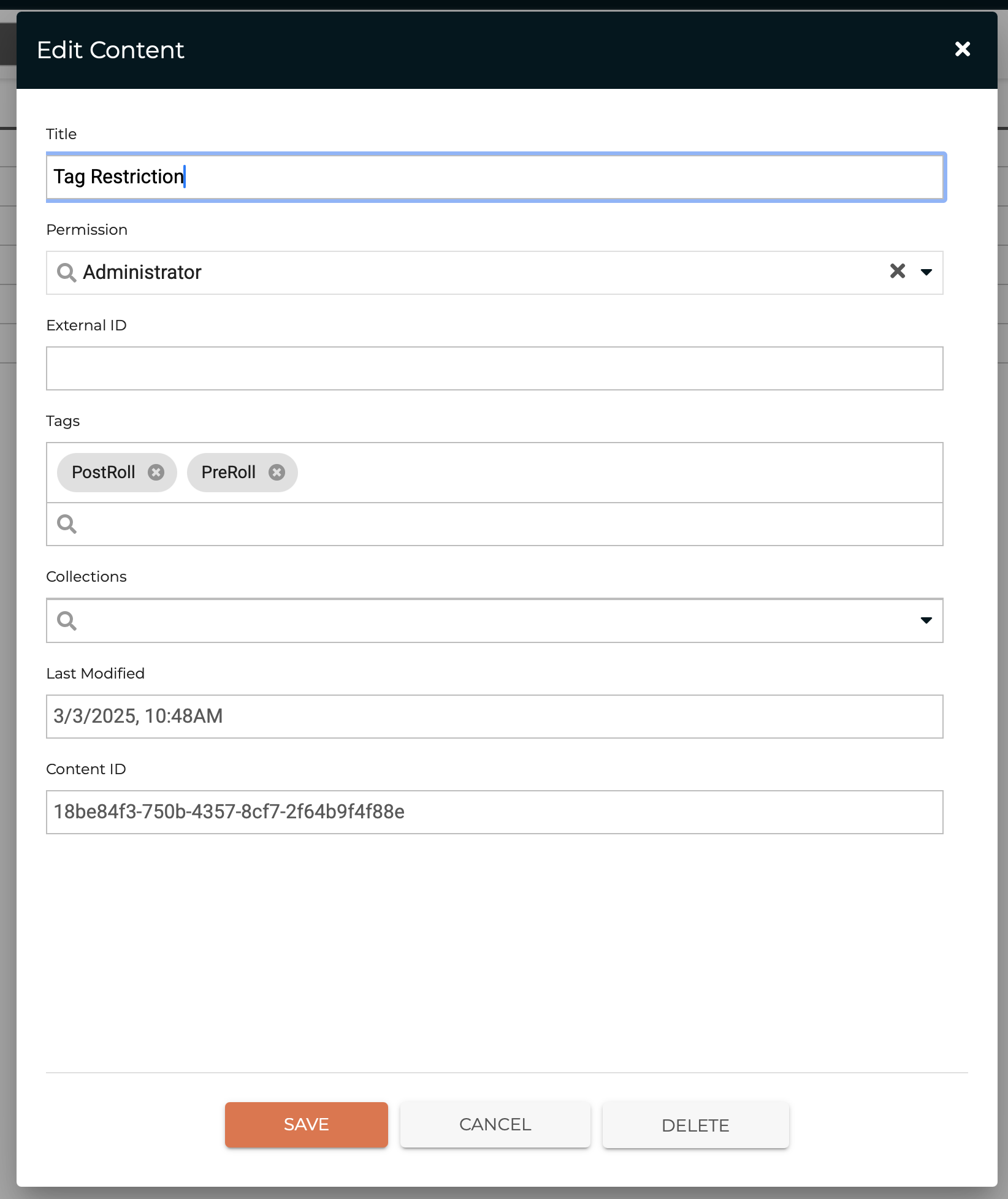
Step 1 — Assign Tags to a Security Group
In the Admin Console, create or edit a security group and assign one or more tags to it. The permission level shown (e.g., Administrator) is an example — adjust permissions as required for your use case.
Step 2 — Assign the Restricted Security Group to Users
Assign the new restricted security group to all users that restrictions should apply to.
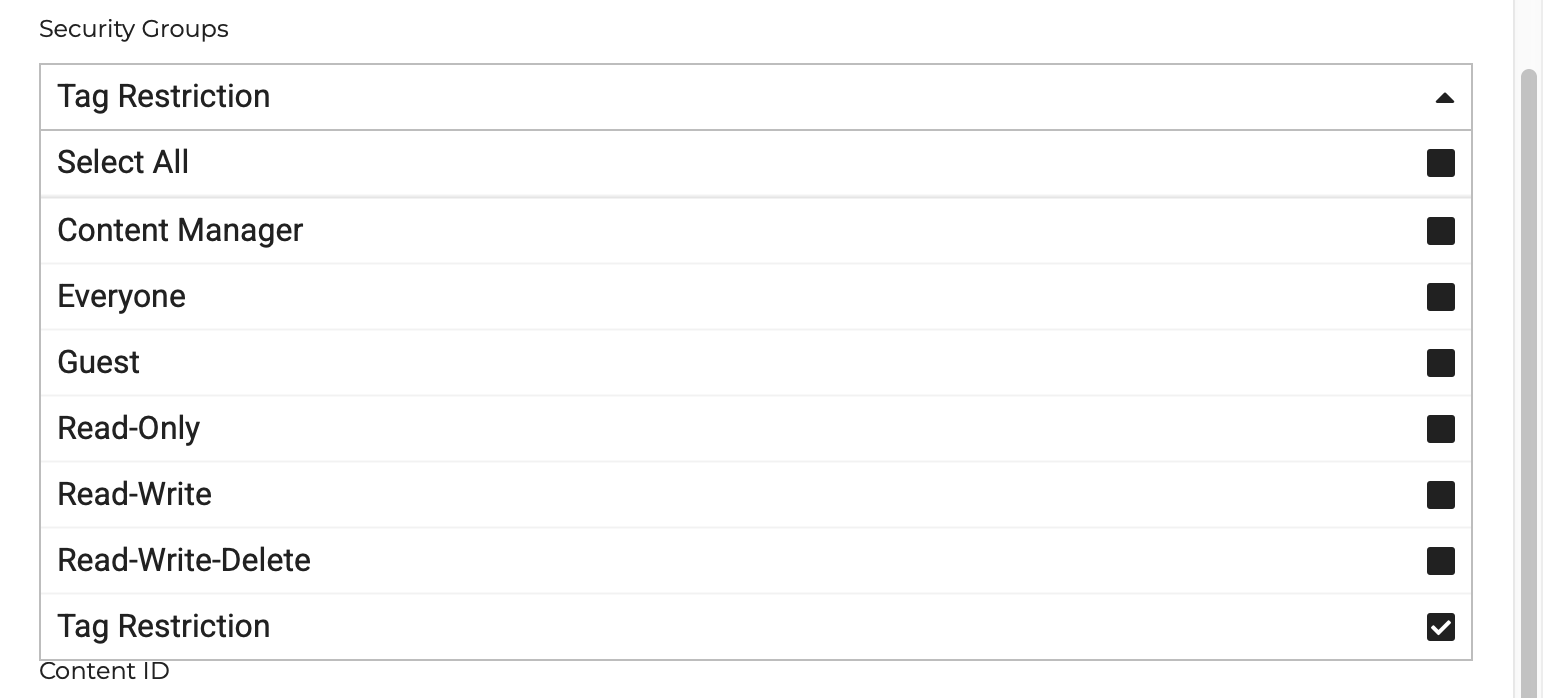
If you created a new security group, you must refresh the server cache, log out, clear your browser cache, and log back in before the group will appear in the user assignment dropdown.
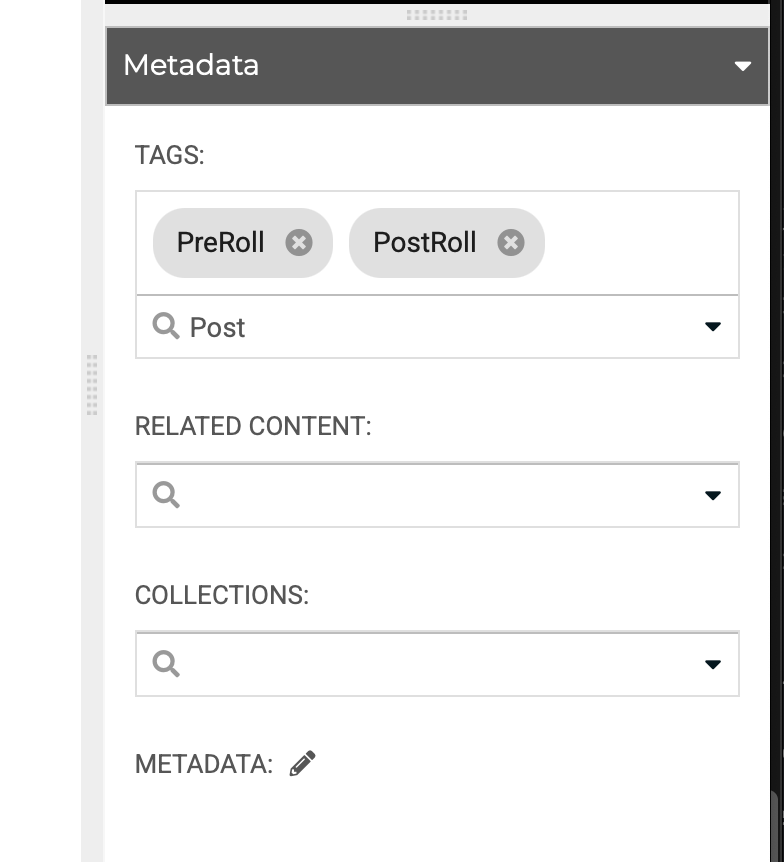
Step 3 — Assign the Tag to Assets and Folders
Apply the restricted tag to all assets and parent folders that should be restricted. Important notes:
- The tag must be assigned to all parent folders of the restricted assets (not just the assets themselves).
- Do not apply the tag to the top-level Content folder.
- It is not required to assign the new restricted security group directly to the assets (though you may).
Result
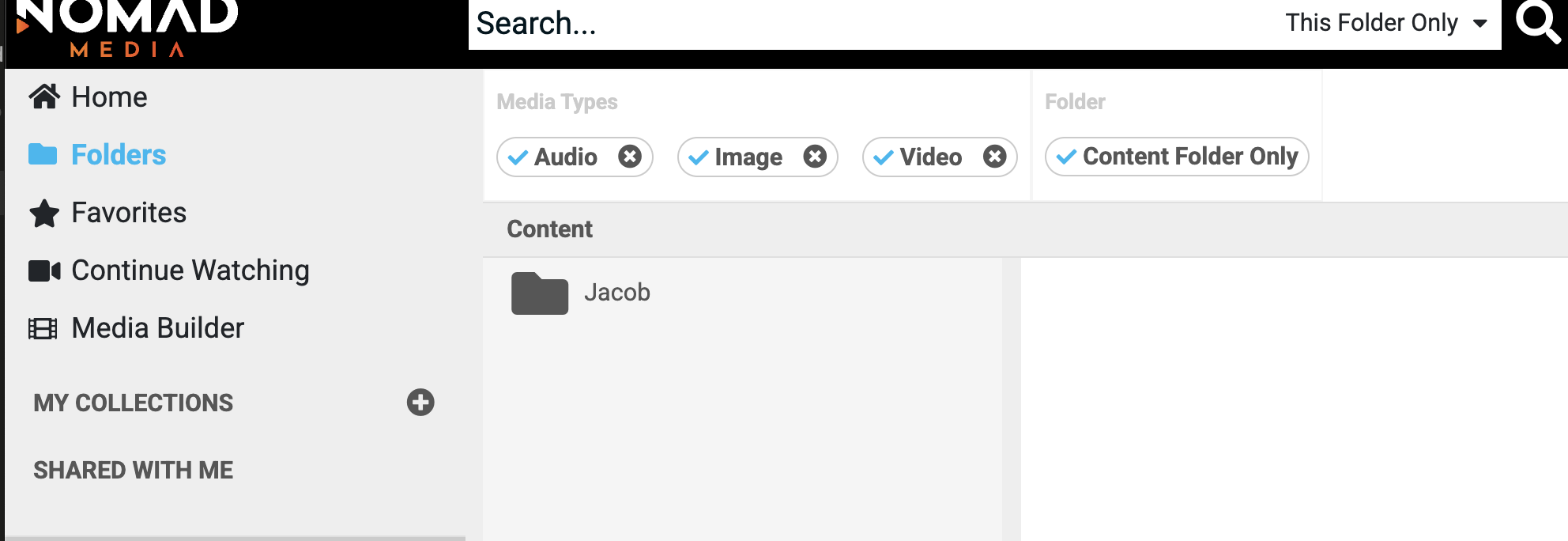
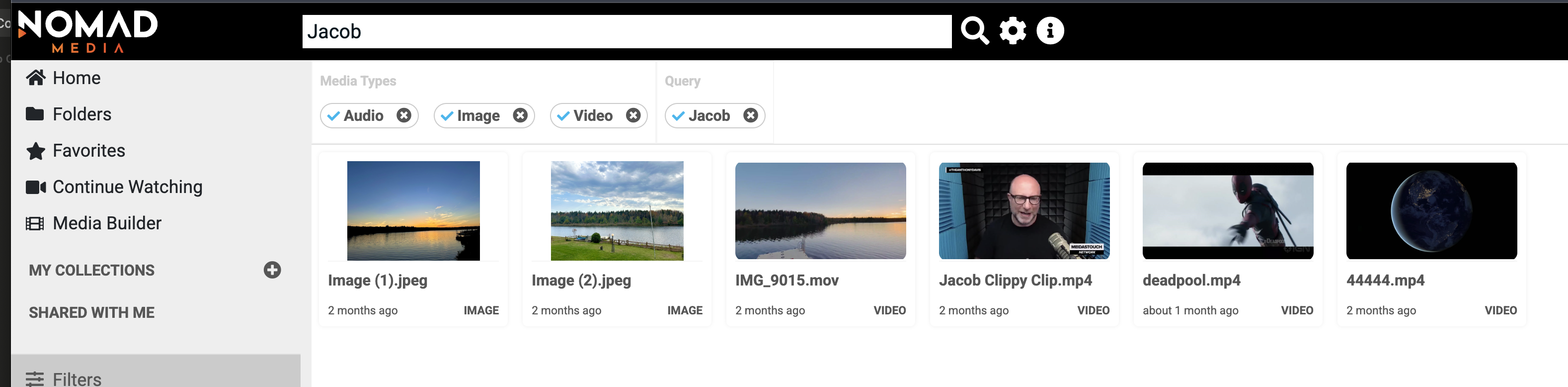
Users with the restricted security group will only see the tagged assets and folders. Users without the restriction see content normally.
Troubleshooting
No folders visible after setup: The restricted user may also need the Everyone security group assigned. "Everyone" is a core security group required by Nomad Media — it must be present alongside any custom restricted group.
Updated 7 months ago