
Canto Configuration and Setup
Canto API Key Creation and Configuration
In order for Nomad Media to talk to Canto, a JSON configuration is used to setup the credential information for access. It's stored in the AWS Secrets with a name typically like nomad/project-name/canto.
  {
    "AppId": "your-canto-app-id",
    "AppSecret": "your-canto-app-secret"
  }
The values can be found by logging into your Canto site and navigating directly to the API Keys page found at /settings/basicSettings/apiKeys.
Create API Key
- Detailed instructions can be found here: https://support.canto.com/hc/en-us/articles/23002535539601-Generating-API-Keys.
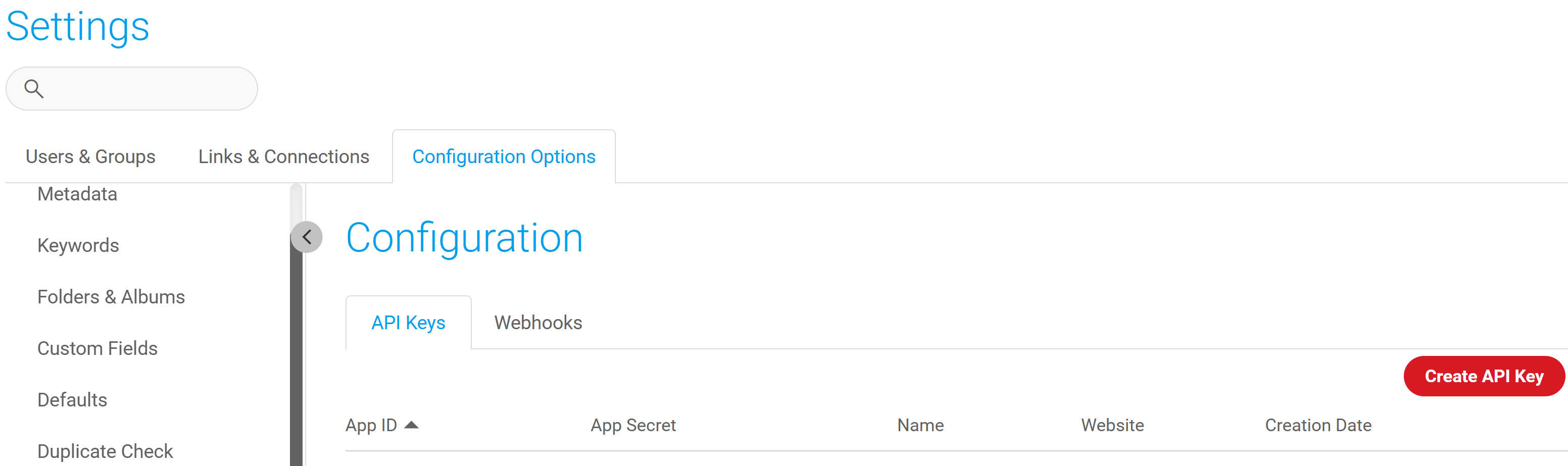
- On the Configuration page, click the Create API Key red button:
-
Enter the description "Nomad Media API Integration" and select the "Support Client Credentials Mode" checkbox. Click the "Generate" button to obtain the key. Note the key for use later.
-
Leave the other fields default.
-
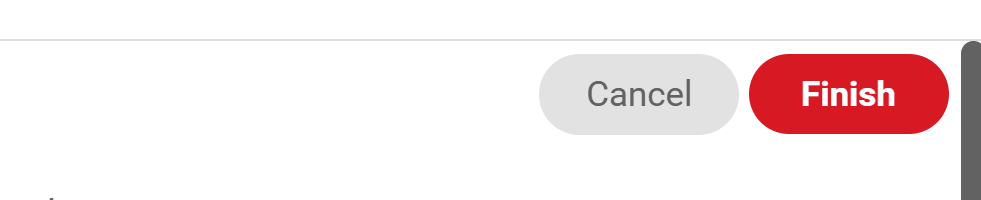
Click the Red Finish button in the top right:
-
Once the new API Key has been saved then click the small Pencil icon on the right to "edit" the API Key. It will not open the details of the new key. Scroll down and you'll see the values that you need:
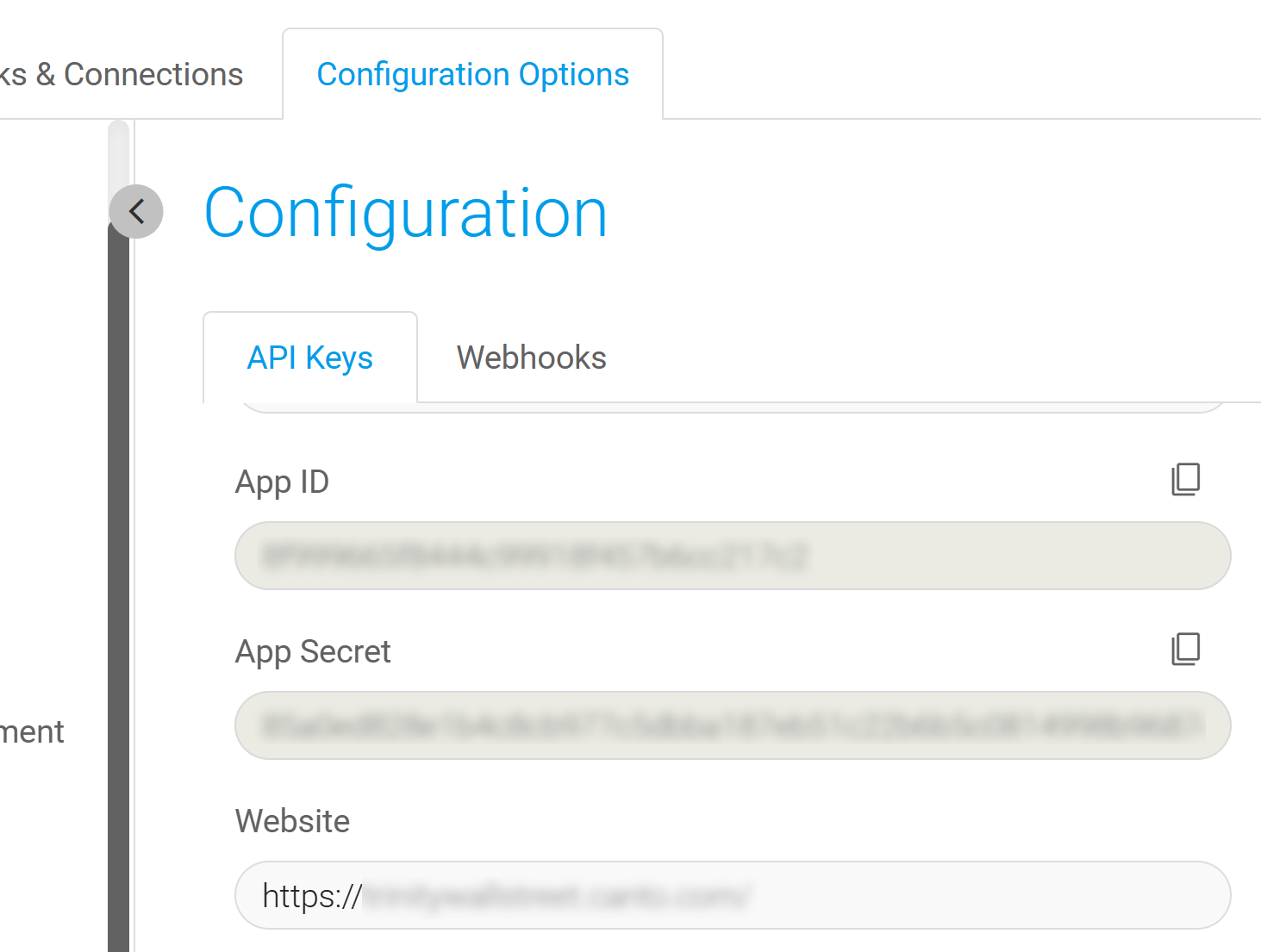
- Copy the App ID and App Secret into the JSON. Make a note of the Website as you'll need it in the next step.
- Save the Secret in the AWS Secrets Manager.
Setup the AWS Config.JSON
In the project-name.json file in the configuration bucket, add a new section for the Canto settings:
{
    "application/canto": {
      "ApiBaseUrl": "https://your-tenant.canto.global",
      "CantoSecretKey": "your-aws-secrets-manager-key",
      "PageSize": 20,
      "BaseImportPath": "Canto"
    }
}- Add the ApiBaseUrl as the Website URL from the previous step when creating the API Keys.
- Set the Canto Secret Key to the name of the AWS Secret you saved in the previous step.
- You can change the PageSize or BaseImportPath if desired.
Updated 7 months ago